
-1.jpg)
.jpg)

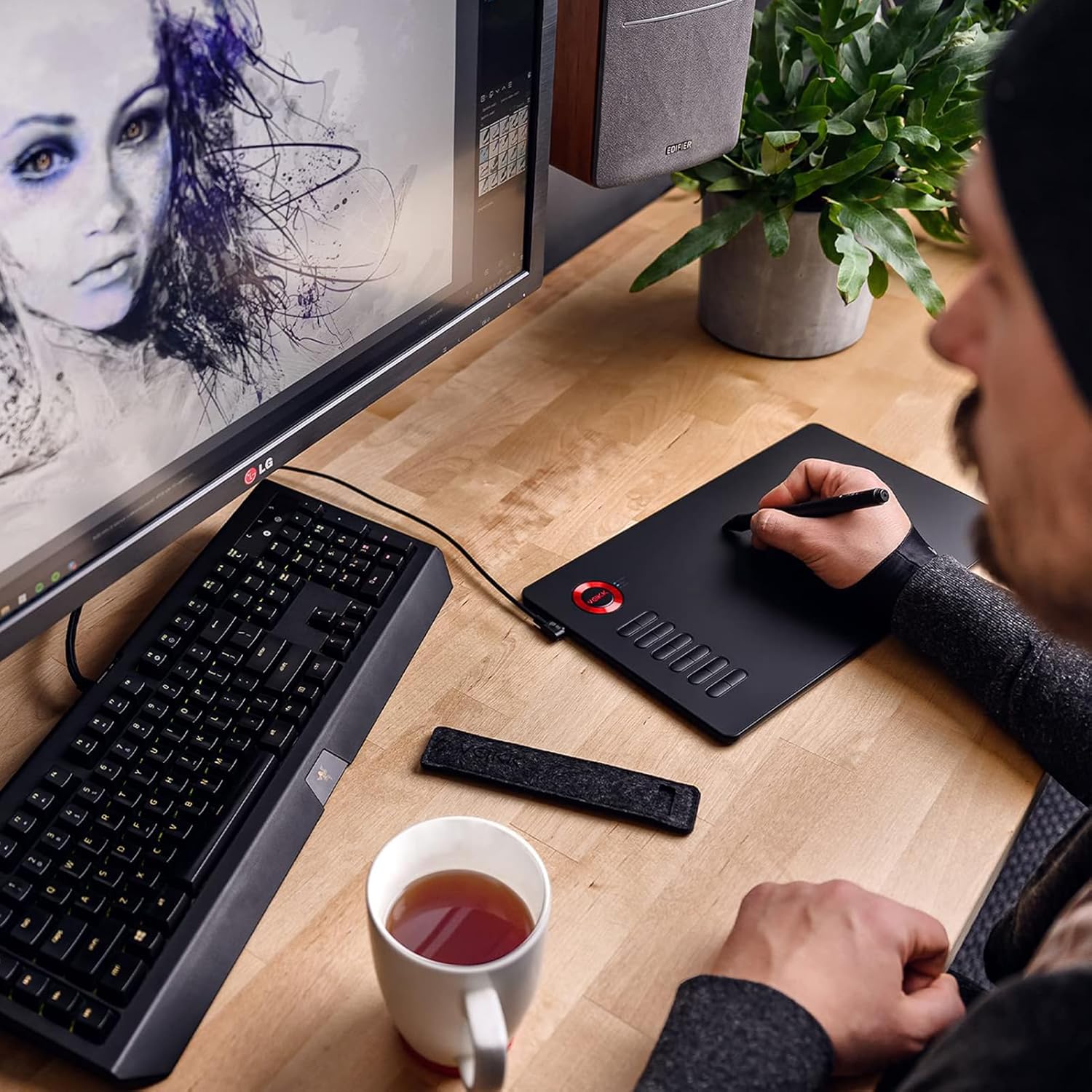
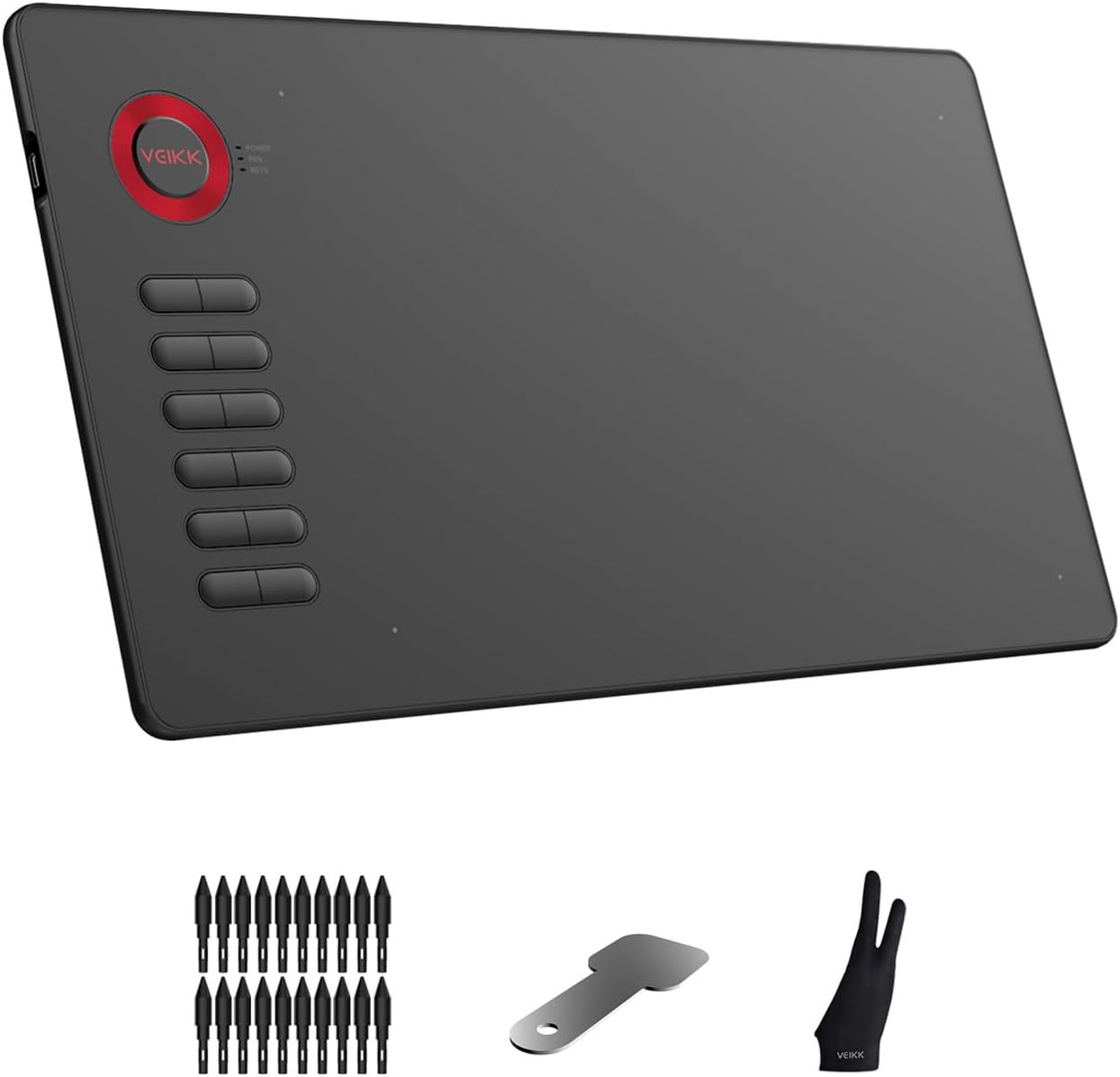
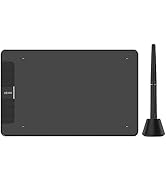
Drawing Tablet, VEIKK A15 10×6 inch Drawing Pad with 12 Shortcut Keys, 8192 Levels of Pressure and Battery-Free Pen, 20 Additional Nibs, Graphic Tablet for Win/Mac/Linux/Android OS (Red)
$49.99
Description
About the Product 🔑
| Features ✨ | Details 📝 |
|---|---|
| Stylus Pressure Sensitivity 🖊️ | 8192 levels |
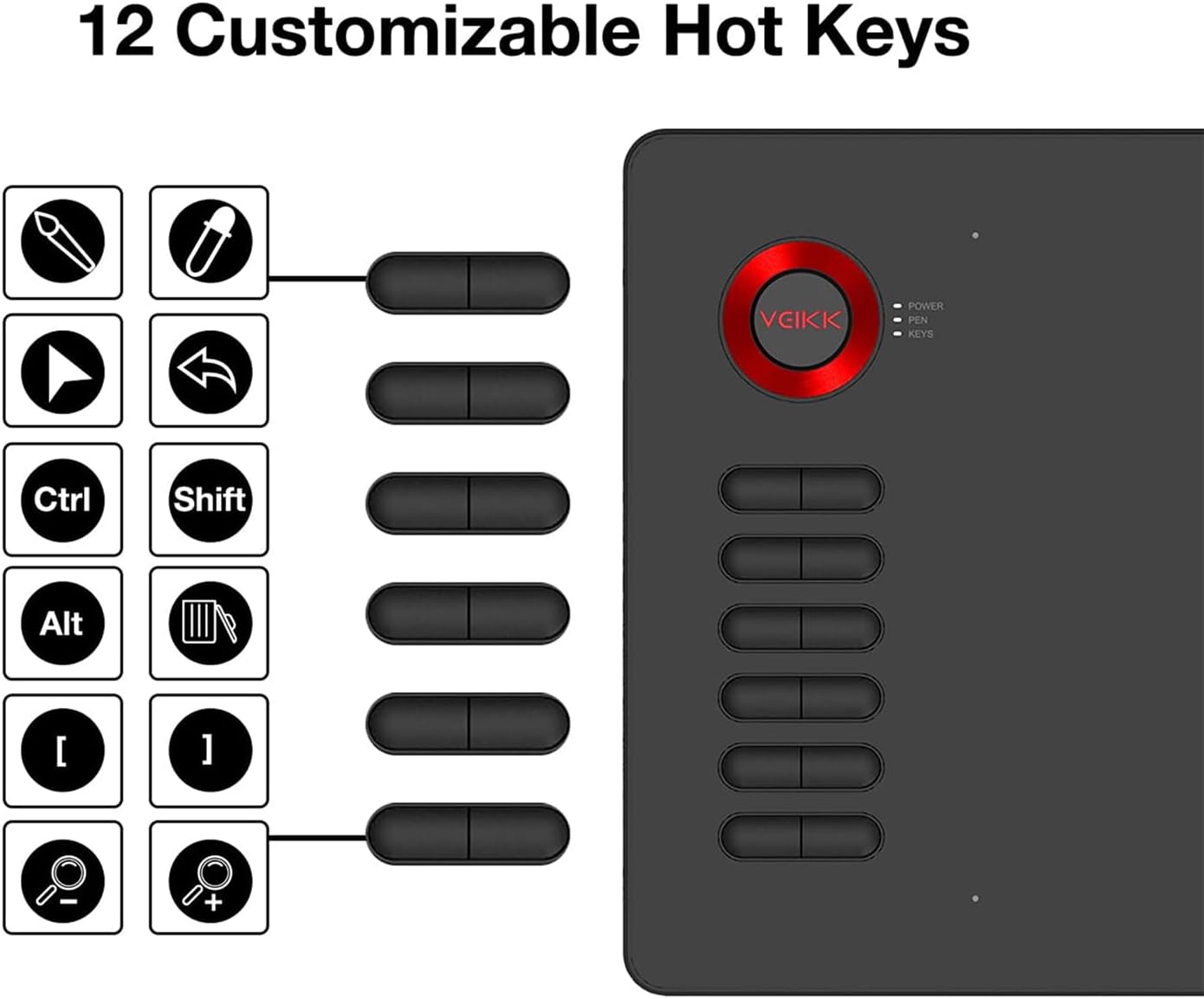
| Customizable Shortcut Keys ⌨️ | 12 keys |
| Broad Compatibility 💻 | Windows, Mac, Linux, Android |
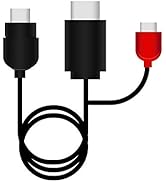
| Type C USB Port 🔌 | Plug in and out with either direction |
| Reporting Rate ⚡ | 250 PPS |
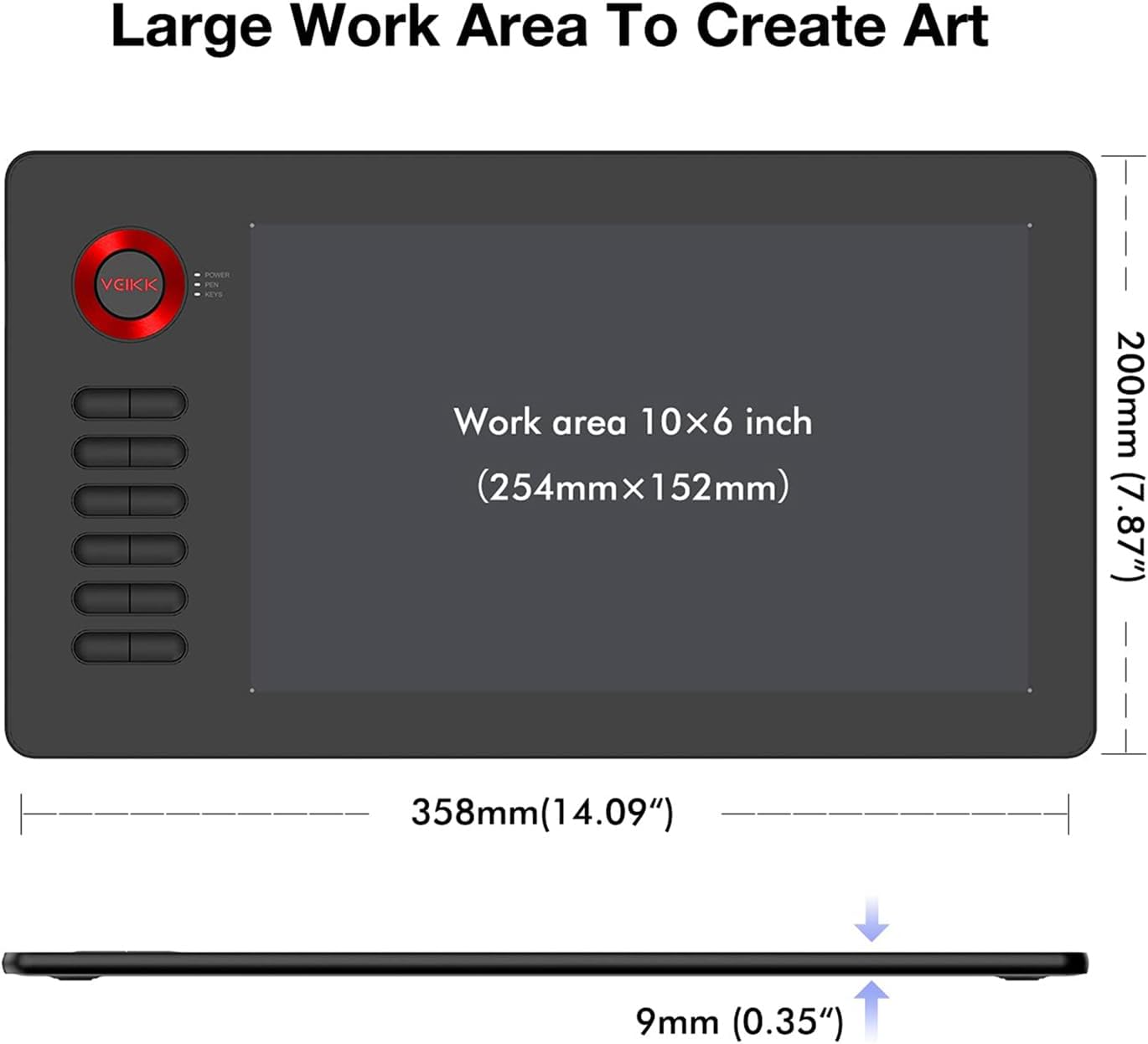
| Active Working Area 📏 | 10 x 6 inches |
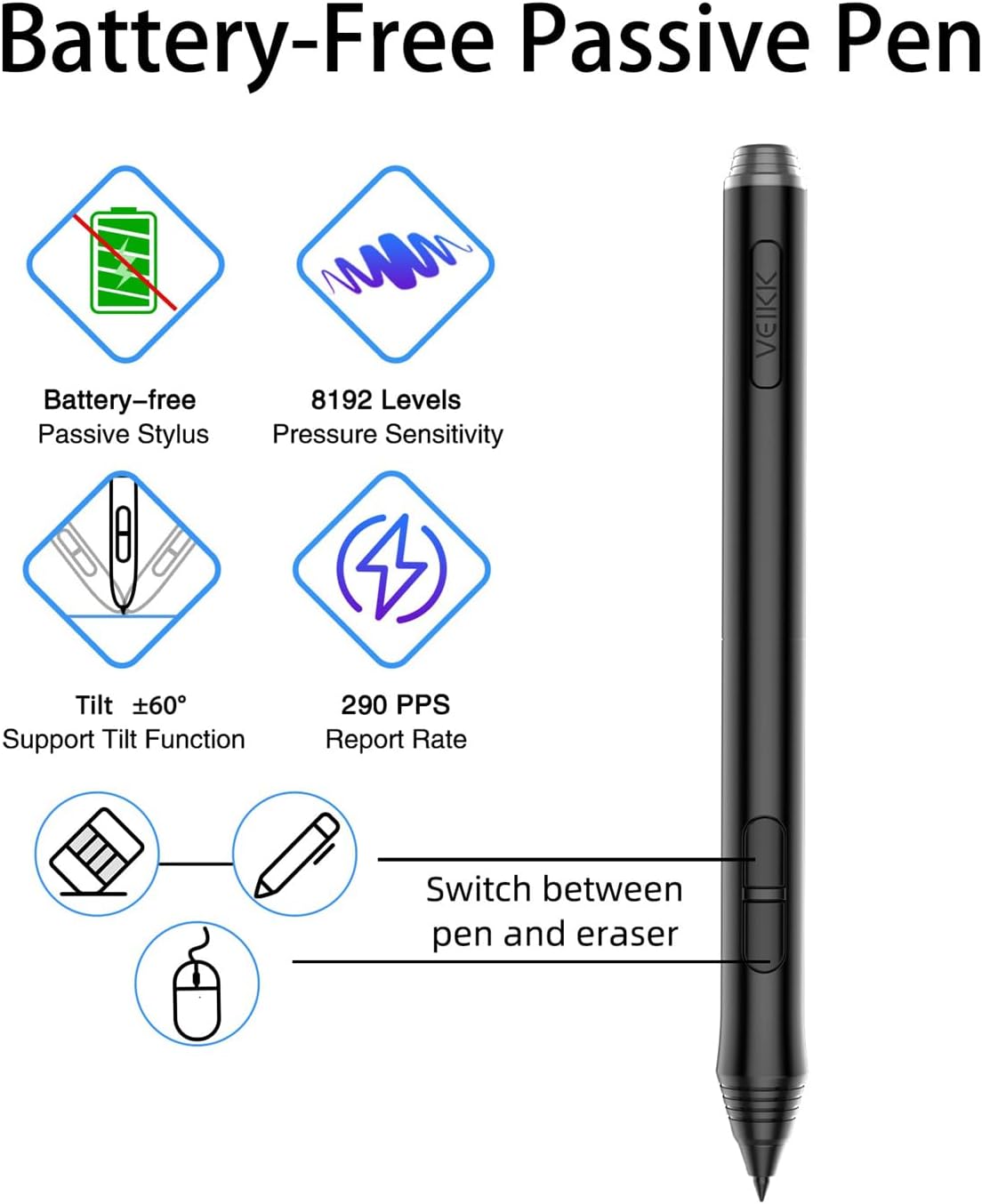
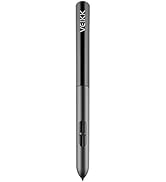
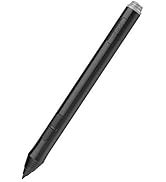
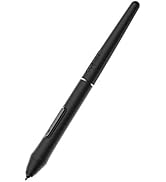
| Battery-Free Pen 🔋 | No charging or batteries needed |
| Tilt Function 📐 | ±60° TILT FUNCTION (after firmware UPDATED) |
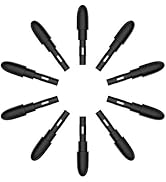
| Replaceable Nibs ✏️ | 20 included |
| Design 🎨 | 4 classic and personalized colors |
| Interface Port 🌐 | Durable Type-C port |
| Ideal For 👍 | Online Education & Remote Office Support |
| Design Software Compatibility 🖱️ | Adobe Photoshop, Illustrator, Sai, Corel painter, Comic studio, MediBang Paint, Paintstorm Studio, Clip Studio, Krita |
How to Use 🛠️
The VEIKK A15 drawing tablet must be used with a computer.
It is compatible with Mac 10.12 or above and Windows 10/8/7.
The tablet supports Linux OS and Android 6.0 (Except SAMSUNG) or later.
You can easily connect your mobile phone to this computer drawing pad with the OTG connector after firmware UPDATED.
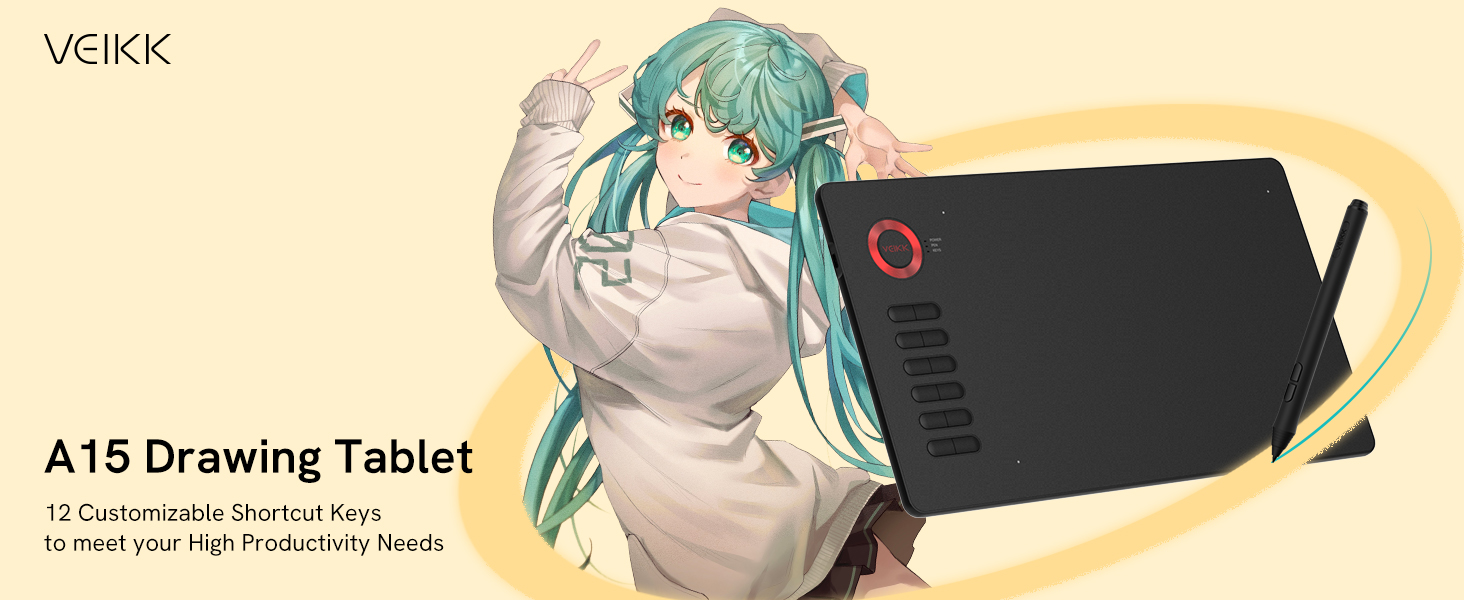
A quick dial and 12 customizable shortcuts can significantly increase productivity.
The 8192 level pressure sensitivity and 250 PPS reporting rate of the battery-free pen allows you to create freely in a 10×6 inch workspace.
The 2 customizable shortcuts allow you to switch between Pen/Eraser and mouse in one second, improving your work efficiency significantly.
The 12 express keys could be fully customized via the driver according to different software or painting habits, thus making the tablet a more efficient tool for working.
VEIKK A15 graphic tablet is designed for both right and left-handed users, and you can set it up quickly on VEIKK writing tablet driver interface.
The working area can be enlarged and reduced as required via the driver, for example when playing games like OSU.
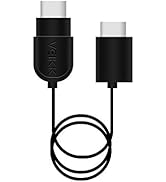
The 1.5-meter USB cable is also included, which is long enough for daily use.

Product Details 🏷️
- Customers find the drawing tablet simple to use and configure, appreciating its large 10×6 inch work area and 12 programmable shortcut buttons.
- The tablet functions well with Photoshop and Drawpile, and customers consider it a good budget option for beginners.
- They like its lightweight design, with the battery-free pen feeling like a pen or pencil in weight, and one customer notes it’s easy to move around the desk.
Full Images










Product Standout Benefits
Seamless Connectivity & Compatibility
The VEIKK A15 drawing tablet offers extensive compatibility, supporting Mac 10.12 and above, Windows 10/8/7, Linux OS, and Android 6.0 or later. With an OTG connector, you can easily connect your mobile phone after a firmware update. This tablet is designed to work flawlessly with major design software like Adobe Photoshop, Illustrator, Sai, Corel painter, Comic studio, MediBang Paint, Paintstorm Studio, Clip Studio, and Krita.
Effortless Battery-Free Pen Experience
Enjoy uninterrupted creativity with the battery-free pen. It boasts 8192 levels of pressure sensitivity and a 250 PPS report rate, with ±60° tilt function for smoother, more natural lines. Two customizable shortcut buttons allow for quick switching between pen and eraser or mouse functions, boosting your work efficiency. With 20 replaceable nibs included, this pen is built for long projects without the hassle of charging or battery replacements.
Customizable Shortcuts for Enhanced Workflow
Maximize your productivity with 12 fully customizable express keys. Tailor these keys via the driver to suit different software or your personal painting habits, turning the tablet into a more efficient tool. The VEIKK A15 is designed for both right and left-handed users and can be quickly set up through the VEIKK driver interface.
Generous Working Area for Unhindered Expression
Featuring a large 10 x 6 inch active area, the VEIKK A15 provides ample space for your creative output. The working area can be adjusted via the driver, allowing you to enlarge or reduce it as needed, perfect for tasks like playing games such as OSU.
Convenient and Durable Type-C Interface
The tablet is equipped with a user-friendly Type-C port that supports plug-and-play functionality, eliminating the need to worry about the insertion direction. Its durable interface ensures a stable connection even after years of use. A 1.5-meter USB cable is included, offering sufficient length for daily use.
Reliable Support for Your Creative Journey
VEIKK stands by its products, offering 1 year of warranty and lifetime technical support for all VEIKK drawing tablets.
Customer Questions and Answers
Q: How do I connect and use this drawing tablet? 🤔
A: You can easily connect it to your Mac, Windows, Linux, or Android device (except Samsung). Just plug it in and you’re good to go! It works with all your favorite design software.
Q: What makes the pen so special? 🖋️
A: The pen is battery-free, so no charging needed! It has amazing pressure sensitivity and tilt function for super smooth and natural drawing. Plus, two shortcut buttons make switching tools a breeze!
Q: Can I customize the tablet to fit my workflow? 💡
A: Absolutely! You can customize the 12 shortcut keys to match your favorite software or how you like to work, making your creative process much faster.
Q: Is the working area big enough for my projects? 📏
A: You get a generous 10 x 6 inch active area to unleash your creativity. You can even adjust the size through the driver if you need to!
Q: What’s the deal with the Type-C port? 🔌
A: The Type-C port is super convenient – it’s plug-and-play and you don’t have to worry about which way to plug it in. It’s built to last and stay connected reliably.
Q: What if I need help or run into issues? ❓
A: No worries! VEIKK provides a 1-year warranty and lifetime technical support for all their drawing tablets. You’re covered!
Related products
-
Professional Hair Dryer for Efficient Styling and Quick Drying
$32.99 -

Compact Dual Voltage Travel Blow Dryer Folding Handle 1800W
$24.99 -
Sale!
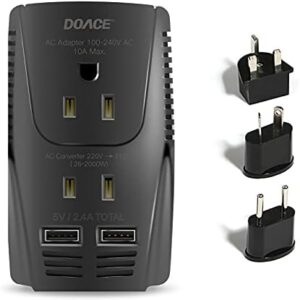
European plug blow dryer for international travel.
Original price was: $49.99.$35.95Current price is: $35.95. -
Sale!
Eyebrow 10 Tablet 64GB Storage 10-inch Display Slim Design Fast Performance
Original price was: $299.99.$249.99Current price is: $249.99.
Reviews
There are no reviews yet.