
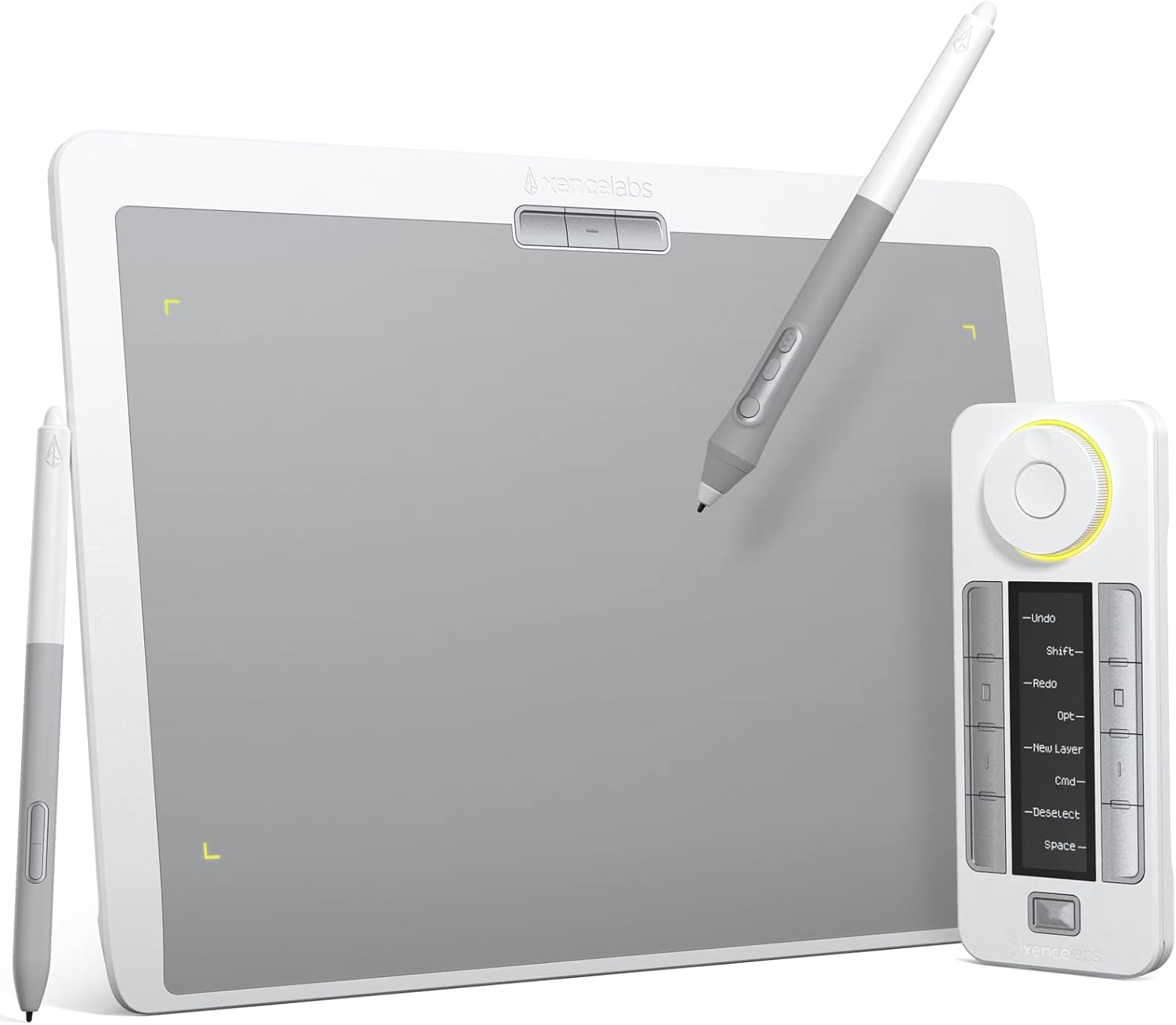

Xencelabs Medium Drawing Tablet, Nebula White, 40 Customizable Keys, 8192 Pressure Levels
Original price was: $329.00.$239.00Current price is: $239.00.
Description
key Features
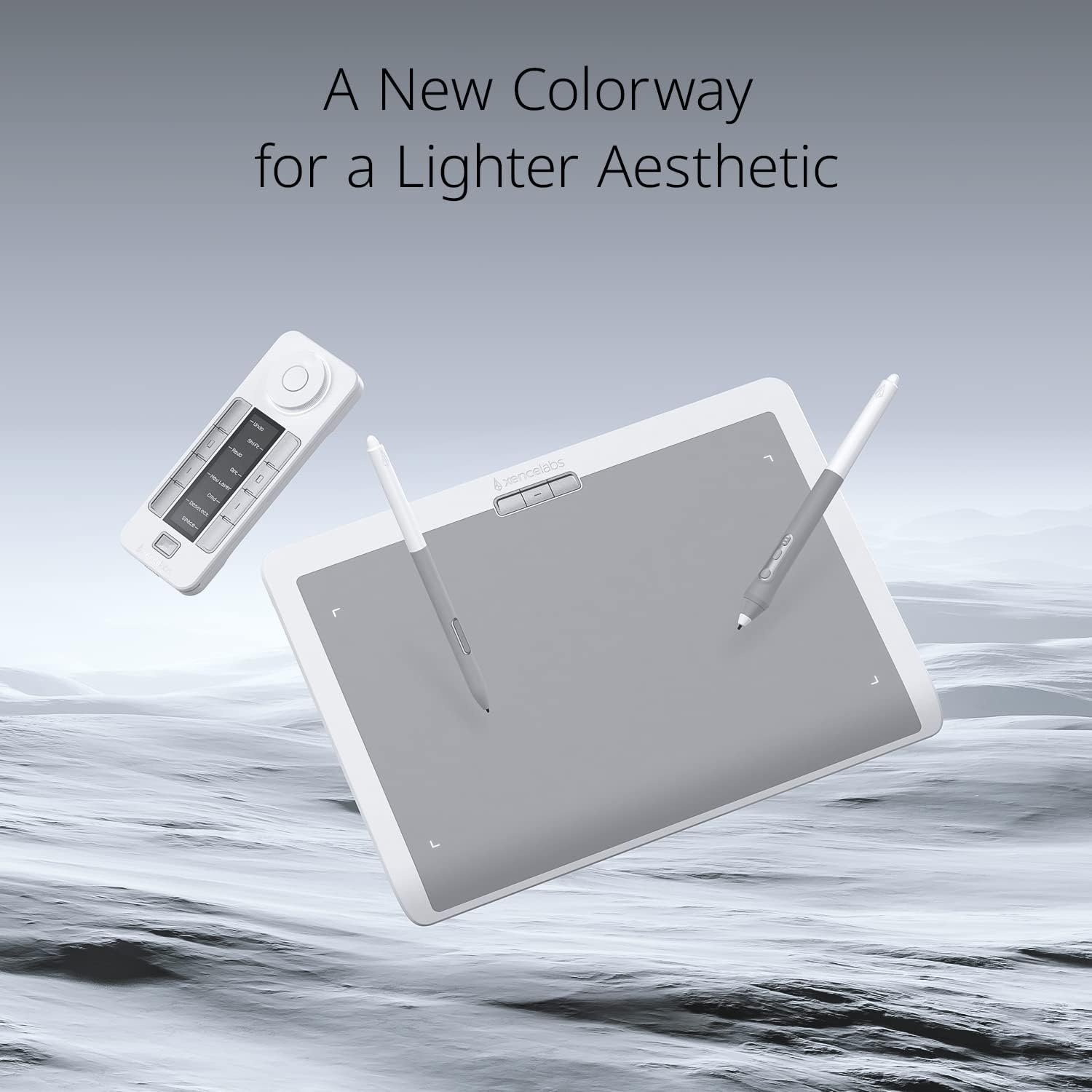
| 🖌️ New Colorway: | A lighter aesthetic with Nebula White, appealing to creatives. |
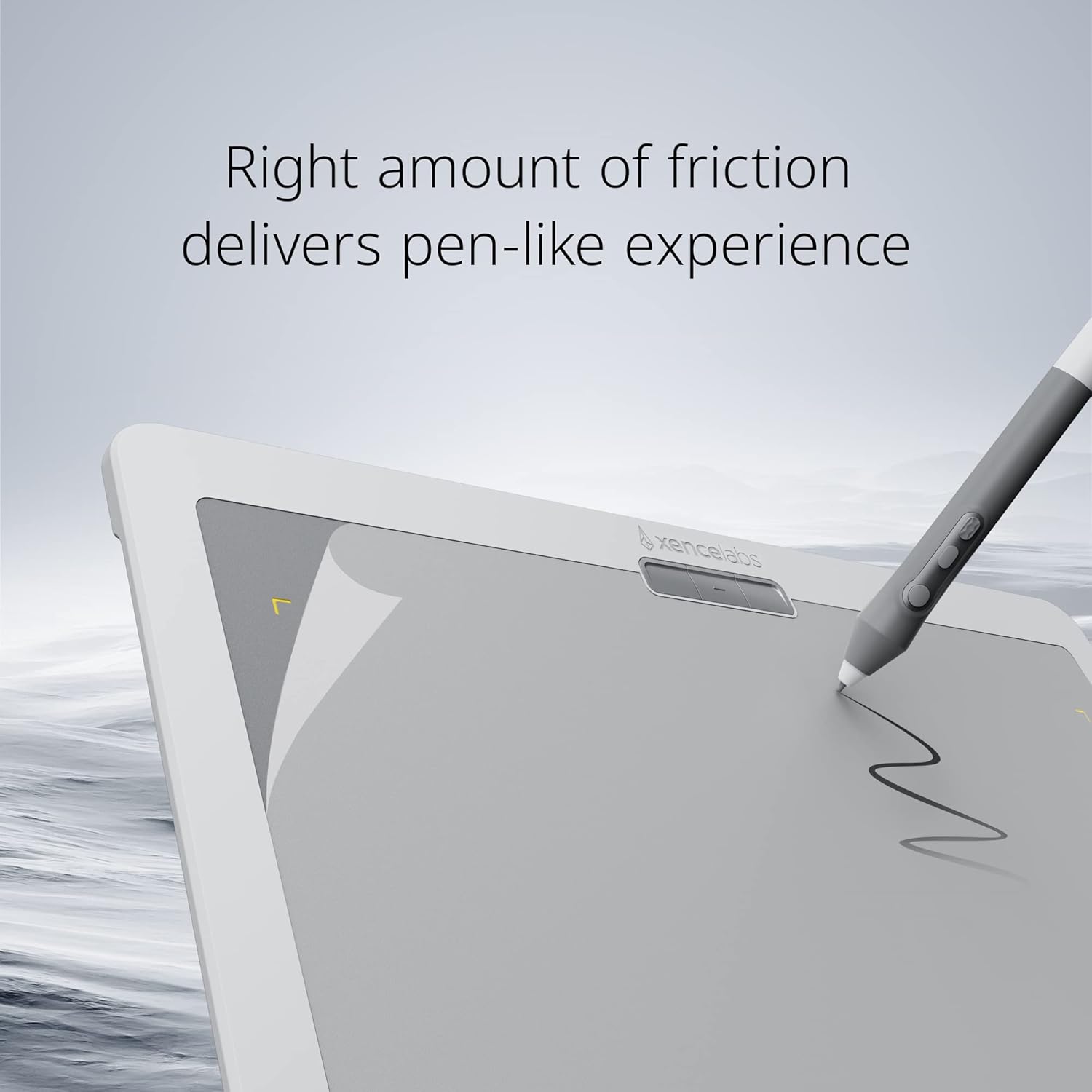
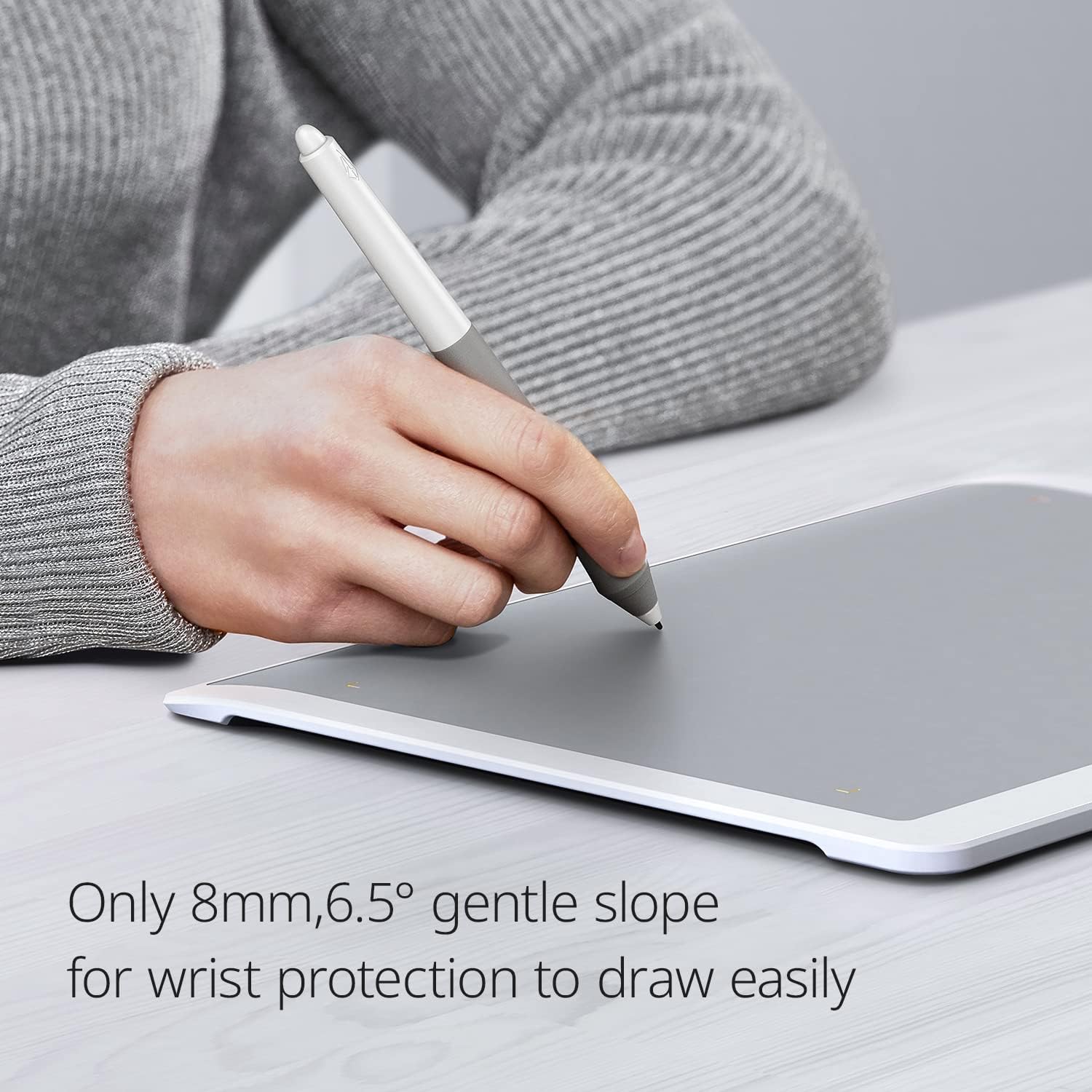
| 🖊️ Special Surface Design: | Ultra-fine frosted texture, non-slip, and wear-resistant for a pen-to-paper feel. |
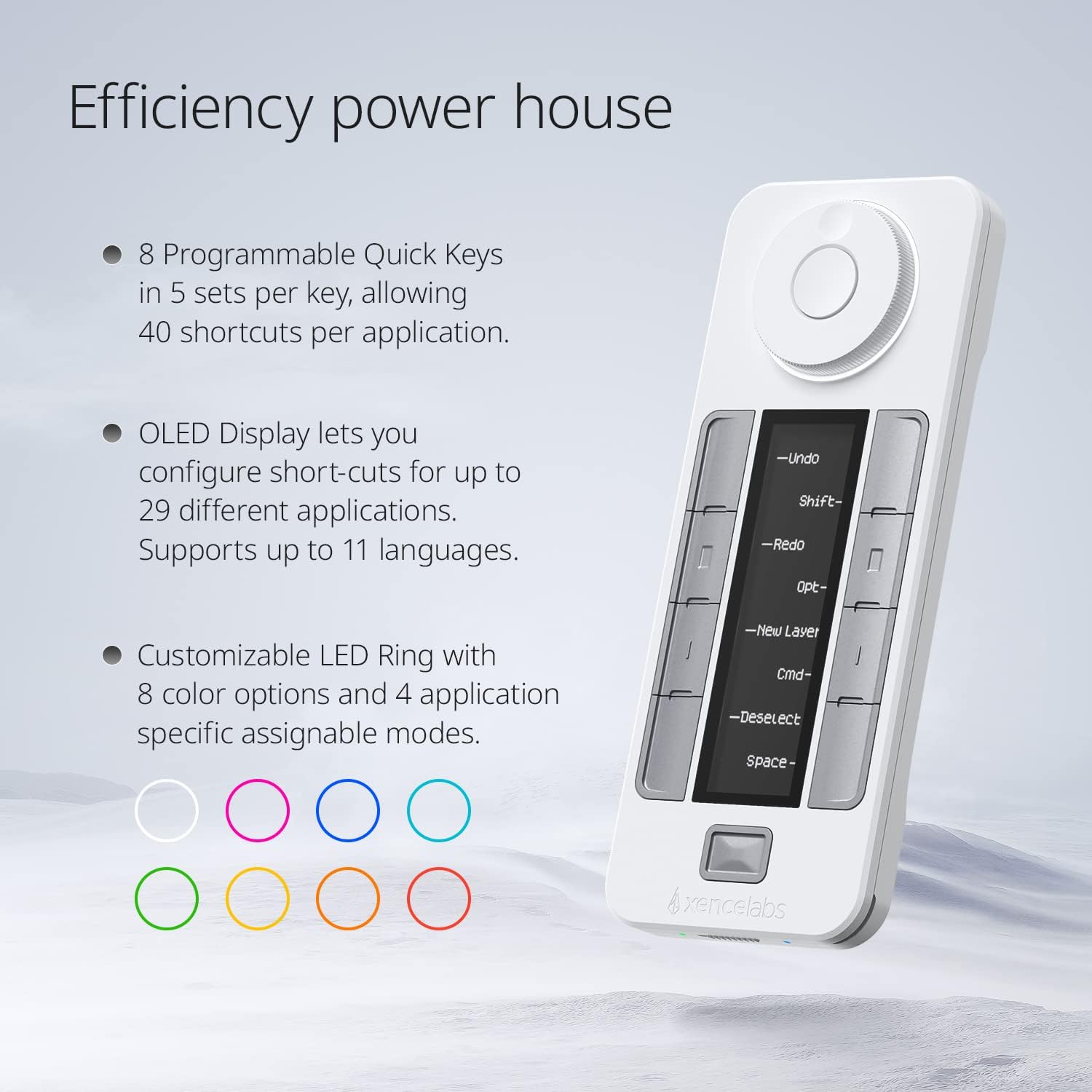
| 🔑 Customizable Rapid Keys: | 40 programmable functions per submission with an OLED display for easy access. |
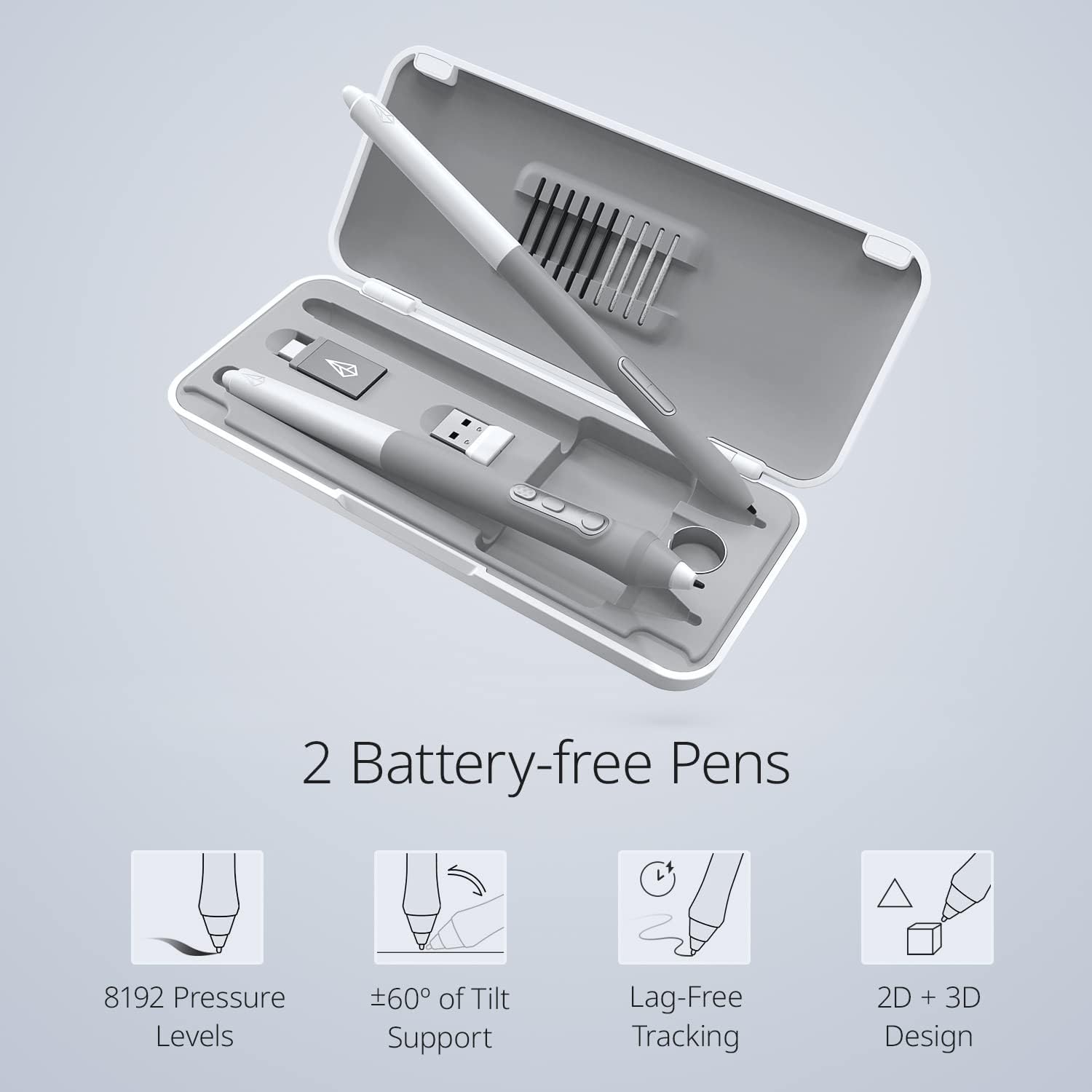
| ✏️ Two Advanced Digital Pens: | 8192 levels of pressure sensitivity, 5080LPI pen resolution, and virtually no lag. |
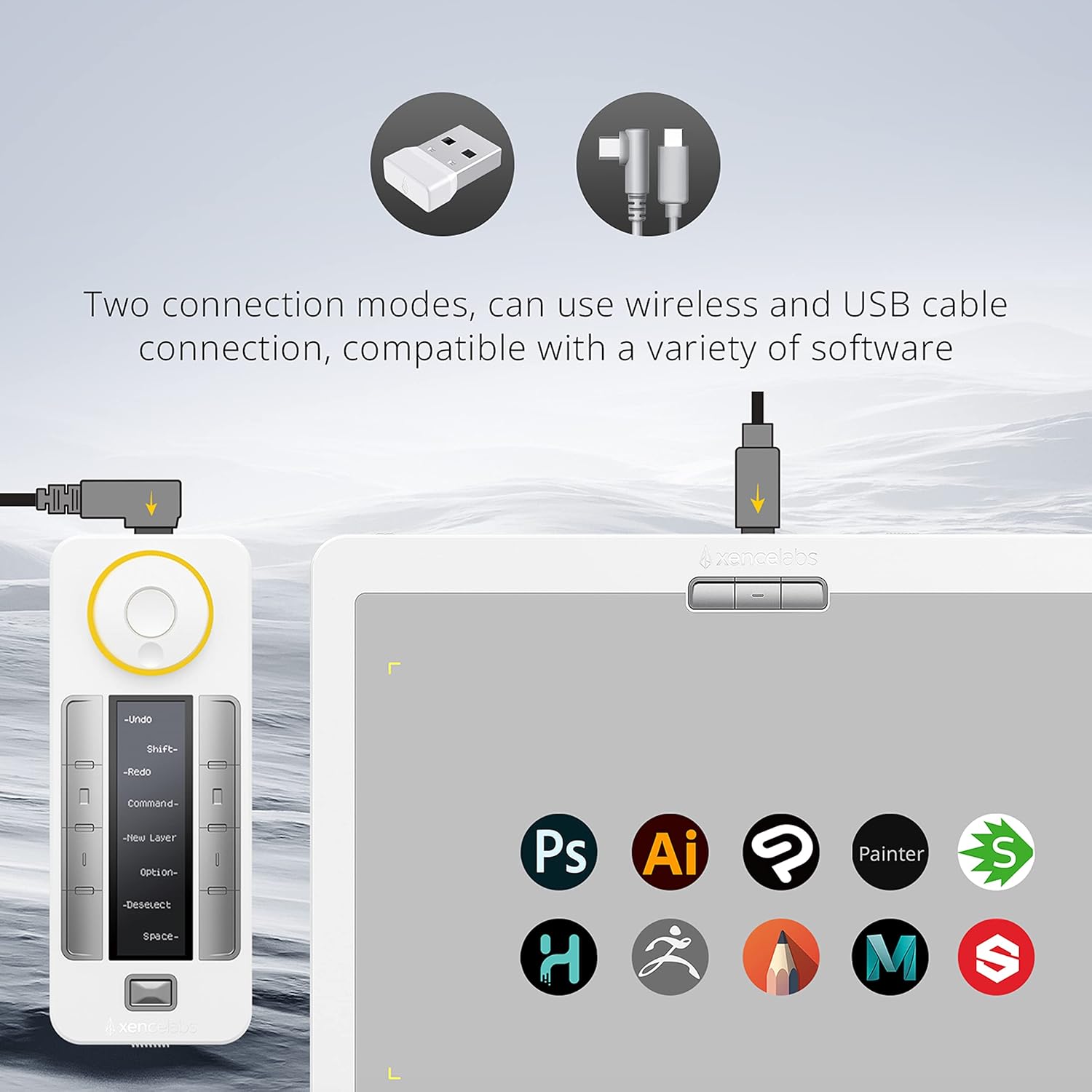
| 💻 Multiple Compatibility: | Compatible with Linux, Windows, and Mac OS, and various software programs. |
how to Use
- Connect the tablet to your computer using the USB cable.
- Install the necessary drivers for your operating system.
- Customize the quick keys based on your preferred applications.
- Use the digital pen on the tablet surface to draw or create.
More Info
Price: [price_with_discount]
(as of [price_update_date] – Details)

A New Colorway for a Lighter Aesthetic: Xencelabs pen Tablet Medium Bundle SE comes in Nebula White to appeal to creatives with a lighter workspace aesthetic. The exquisite appearance of the Pen Tablet aims to provide you with a much better creating experience. Now artists have a choice of what color graphics tablet they integrate into their personal workflow.
Special Surface Design: This texture gives our included pens a surface that feels reminiscent of a pen to paper. The touch surface of our drawing tablet is made of special materials to offer an ultra-fine frosted textured surface with non-slip and wear-resistant. Exquisite craftsmanship and 6.5° gentle slope for wrist protection to draw easily and unleash your inspiration.
Customizable quick Keys: Working in unison with the Drawing tablet. The shortcut keys give you 5 sets of 8 keys – a total of 40 programmable functions per application. An OLED display to show you each key assignment at a glance and 30 hours of sustainable working when fully charged can make any workflow much more easier.
Two Advanced Digital Pens with Pen Case: 8192 levels of pressure sensitivity, 5080LPI pen resolution and virtually no lag to provide the most ultimate precision and control performance and realistic pen-to-paper feel. The digital pen features two different diameters and number of buttons to adapt to different drawing methods and effects.
Multiple Compatibility: Our driver is compatible with Linux, Windows, and Mac OS and software programs such as but not limited to: Adobe Suite, Adobe Substance Painter, Corel, Autodesk (Maya, max & Fusion 360), pixelogic, Toon Boom, Foundry (Nuke, Modo). You can quickly access the settings at the top of the graphic tablet.


Product Standout Benefits
The Xencelabs Pen Tablet Medium Bundle SE in Nebula White is designed to elevate your creative experience.
Lighter Aesthetic & Enhanced Experience
This new colorway, Nebula White, appeals to creatives with a lighter workspace aesthetic. The exquisite appearance of the Pen Tablet aims to provide you with a much better creating experience, giving artists a choice of what color graphics tablet they integrate into their personal workflow.
Special Surface Design for Realistic Feel
The texture gives our included pens a surface that feels reminiscent of pen to paper. The touch surface of our drawing tablet is made of special materials to offer an ultra-fine frosted textured surface with non-slip and wear-resistant properties. Enjoy exquisite craftsmanship and a 6.5° gentle slope for wrist protection, allowing you to draw easily and unleash your inspiration.
Customizable Quick Keys for Efficiency
Working in unison with the Drawing tablet, the shortcut keys provide 5 sets of 8 keys – a total of 40 programmable functions per application. An OLED display shows each key assignment at a glance, and 30 hours of sustainable working when fully charged can make any workflow much easier.
Two Advanced Digital Pens for Ultimate Precision
- 8192 levels of pressure sensitivity
- 5080LPI pen resolution
- Virtually no lag for ultimate precision and control performance
- Realistic pen-to-paper feel
- Digital pen features two different diameters and number of buttons to adapt to different drawing methods and effects.
Multiple Compatibility for Seamless Integration
Our driver is compatible with Linux, Windows, and Mac OS, and works with software programs such as but not limited to: Adobe Suite, Adobe Substance Painter, Corel, Autodesk (Maya, Max & Fusion 360), Pixelogic, Toon Boom, and Foundry (Nuke, Modo). You can quickly access settings at the top of the graphic tablet.
Customer Questions and Answers
Q: What makes this pen tablet special? 🤔
It comes in a gorgeous Nebula White color for a lighter aesthetic and provides an enhanced creating experience. The drawing tablet has a special ultra-fine frosted textured surface that feels like pen to paper, offering non-slip and wear-resistant qualities. Plus, there’s a gentle 6.5° slope for wrist protection so you can draw comfortably for longer!
Q: How do the Quick Keys help my workflow? 💡
The customizable Quick Keys give you 5 sets of 8 keys, totaling 40 programmable functions for each application. They have an OLED display so you can see what each key does at a glance, making your workflow much easier. They can work for 30 hours on a full charge!
Q: Tell me more about the digital pens. ✍️
You get two advanced digital pens with a pen case. They offer 8192 levels of pressure sensitivity and 5080LPI pen resolution with virtually no lag, giving you ultimate precision and control for a realistic pen-to-paper feel. Each pen has different diameters and buttons to suit various drawing styles.
Q: Will this tablet work with my computer and software? 💻
Absolutely! The driver is compatible with Linux, Windows, and Mac OS. It works with tons of software like Adobe Suite, Adobe Substance Painter, Corel, Autodesk programs, Pixelogic, Toon Boom, and Foundry programs. You can easily access settings right on the tablet.
Q: Is it good for long drawing sessions? ⏳
Yes! The exquisite craftsmanship and 6.5° gentle slope are designed for wrist protection, making it easier to draw and unleash your inspiration. Plus, the pens offer a realistic pen-to-paper feel that artists love.
Related products
-
10x Magnification Microscope for Detailed Eyelash Analysis and Microscopic Observation
$34.99 -
Sale!
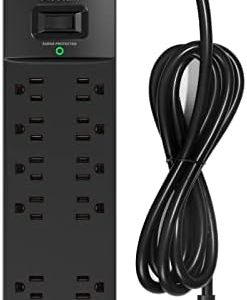
Blow Dryer Surge Protector: Protects Against Electrical Surges
Original price was: $29.99.$18.99Current price is: $18.99. -

Chi Touch Screen Hair Dryer, Lightweight Compact Design, Adjustable Heat Settings
$159.99 -
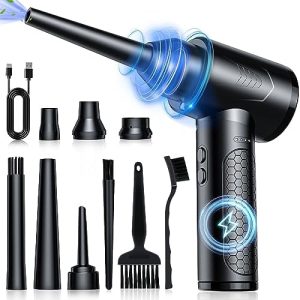
Xbox One Inspired Lightweight Hair Dryer, High-Performance Motor, Fast Drying, Black
$39.99
Reviews
There are no reviews yet.